Positive change in your pocket.
Digital care for health and mental wellbeing from experts, for everyone.
 Welcome
 Education
Step by step: what to expect, what to prepare, and what to keep in mind after you return home…



Get the Orbiso app
Choose a program from the library, or you tap a program link on your phone — it opens straight in the app.
You download the Orbiso app
On the App Store, Google Play, or simply in the browser at app.orbiso.cz.
Choose a program
From the library in the app, or tap a program link on your phone — it opens directly in the app.
You go at your own pace
Steps and reminders. An expert prepared the content — you simply use it.
What already exists in Orbiso
 Part of the project
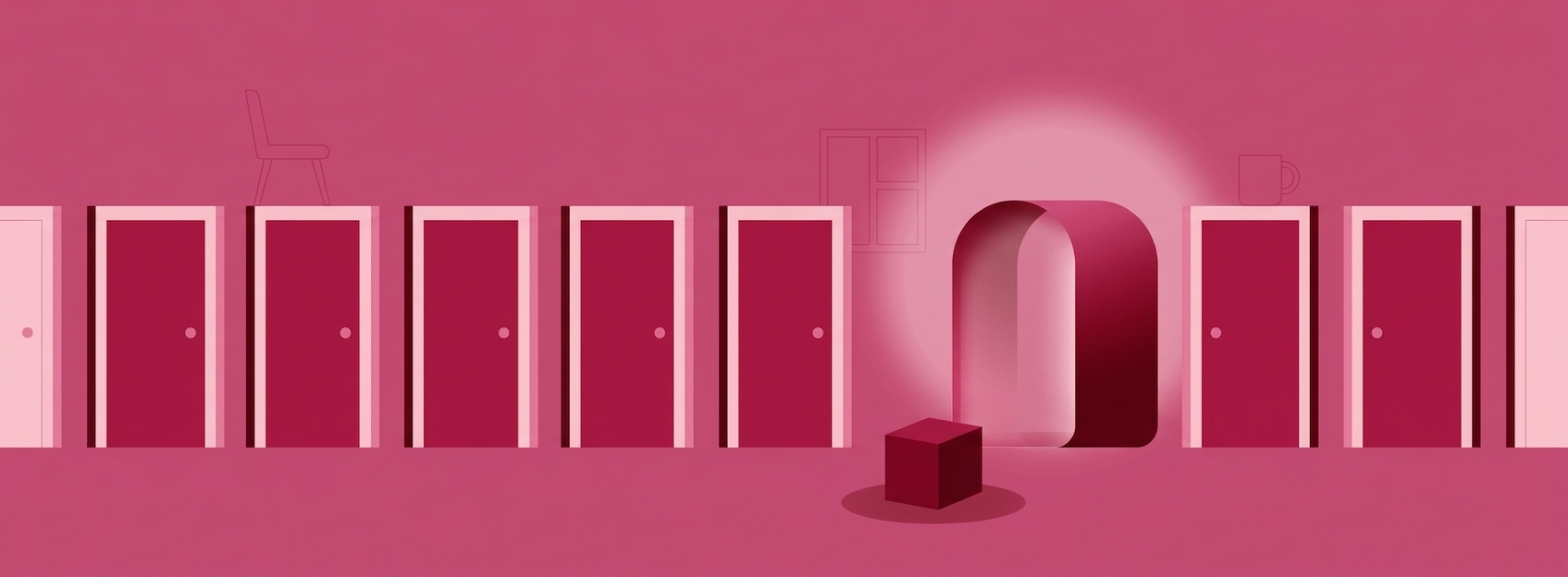
Medically unexplained symptoms
For people whose physical difficulties persist even when examinations find nothing. The program explains how such symptoms arise — and that is the first step toward living with them.
 Part of the project
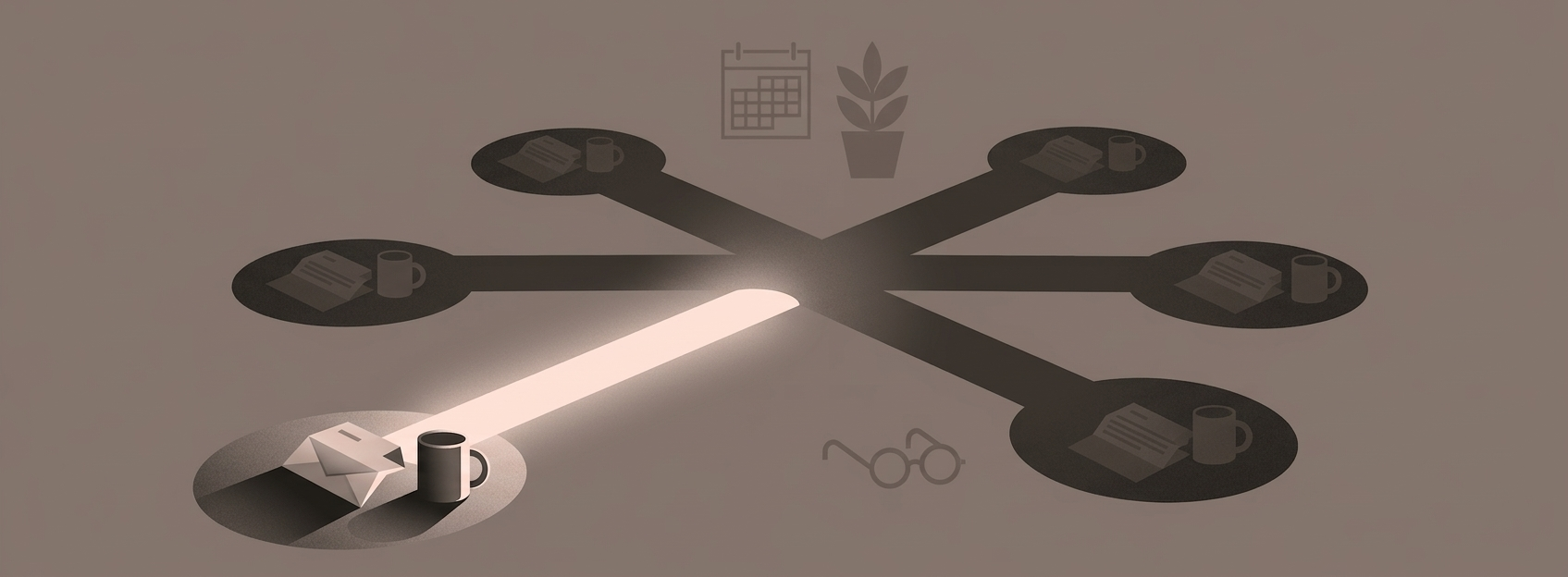
BRCAware
Information and support around BRCA mutations and screening — clear and step by step.
 Part of the project
DobroMysl
One short activity each day for body, mind, and emotions. Physio, mindfulness, and positive psychology in a steady rhythm.
Frequently asked questions
Short answers from the perspective of someone using a program in the app.
How do I get into a program?
Get the Orbiso app on the App Store or Google Play and choose a program from the library. If an expert sends you a link, open it on your phone and it launches directly in the app.
Do I need a mobile phone?
No. Programs also open in a browser at app.orbiso.cz. On a phone, though, the path is most convenient — including links that open the app directly.
Is it free to use?
For you as a user, entering a program is free.
Who can see what I fill in within a program?
Access to your answers and progress is set by the program author. When you enter, you confirm consent only for what that program actually needs — nothing extra.
Does Orbiso replace a doctor or therapist?
No. The app complements care between appointments. It does not replace diagnosis, treatment, or your relationship with an expert — it simply puts the content they prepared for you in your pocket.
What if I cannot see a program in the library?
Some programs are invitation-only. You receive a link from the expert and it opens in the app on your phone. Such programs may not appear in the public library.